
This documentation covers Sectors Financial API v2 - the current and recommended version.If you are still using Sectors Financial API v1, please note that v1 will be deprecated at the end of March 2026. See our Migration Guide for help upgrading.
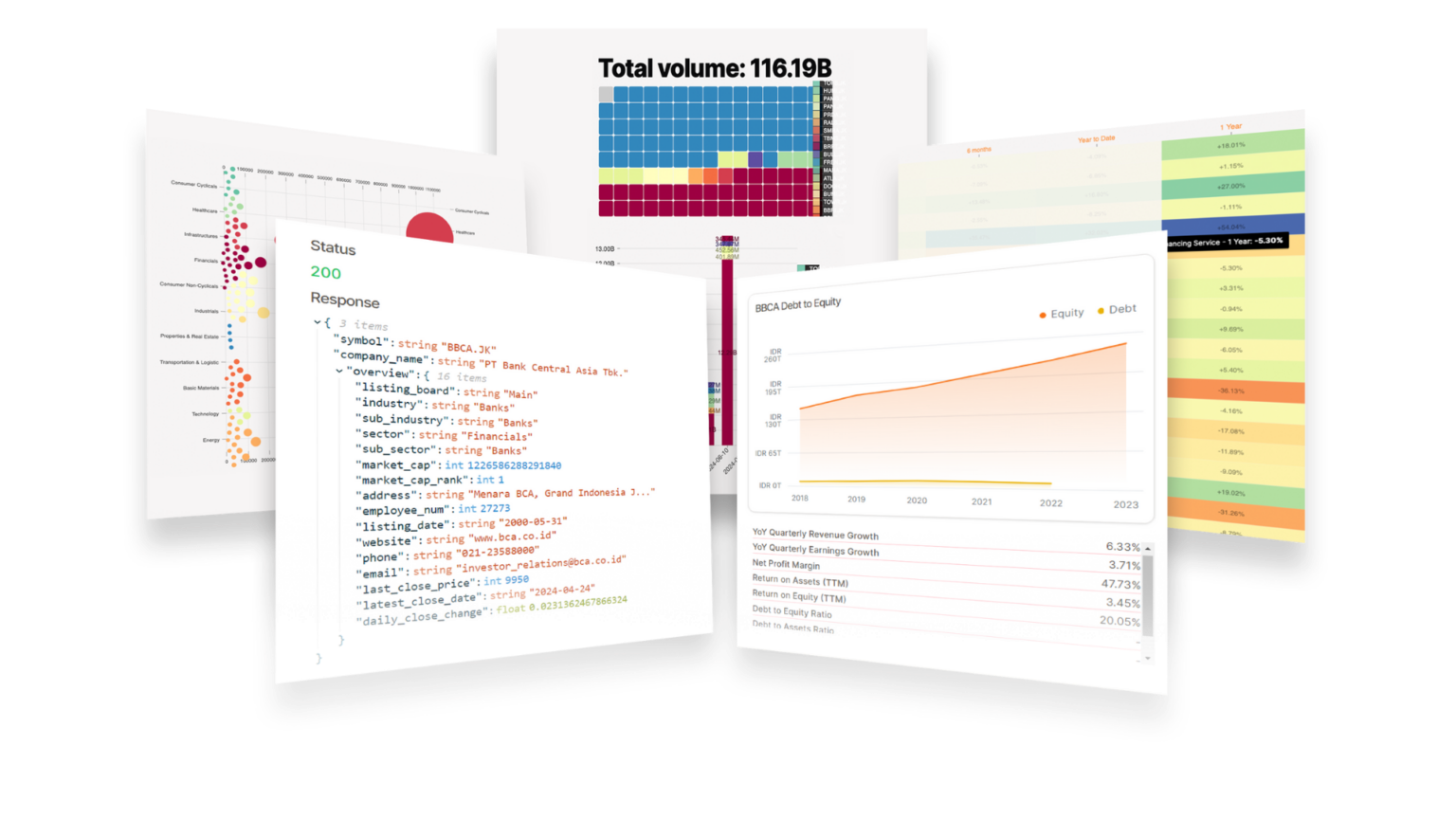
Overview
Sectors has been used as an equity research tool by Indonesia’s top financial institutions, and has also been used as a data source for academic research. The depth of our data puts it head and shoulders above any comparable market intelligence tool, and is readily available through a simple developer experience with Sectors Financial API. Beginners can start with the Get your API Key guide, while more experienced developers can dive into our API Reference for a comprehensive list of endpoints and examples. We also have longer-form tutorial series and recipes for those looking to build financial analysis workflows and automations by example.Get Started
Get your API Key
Making your first authenticated API request to Sectors
Migration Guide
Step-by-step guide to migrate from v1 to v2
API Reference
Discover limitless potential with our diverse range of API endpoints
Connect to Sectors Financial API
Work with live financial data that refreshes automatically directly in Business Intelligence tools. No coding required.
Recipe
Build financial analysis tools and workflows with live financial data
Get your API Key
⏫ Upgrade to Sectors Insider
Through the Sectors Financial API, you are two lines of code away from Indonesia’s most comprehensive financial market data and stock research tools.
Sectors Financial API is available to our Insider plan subscribers.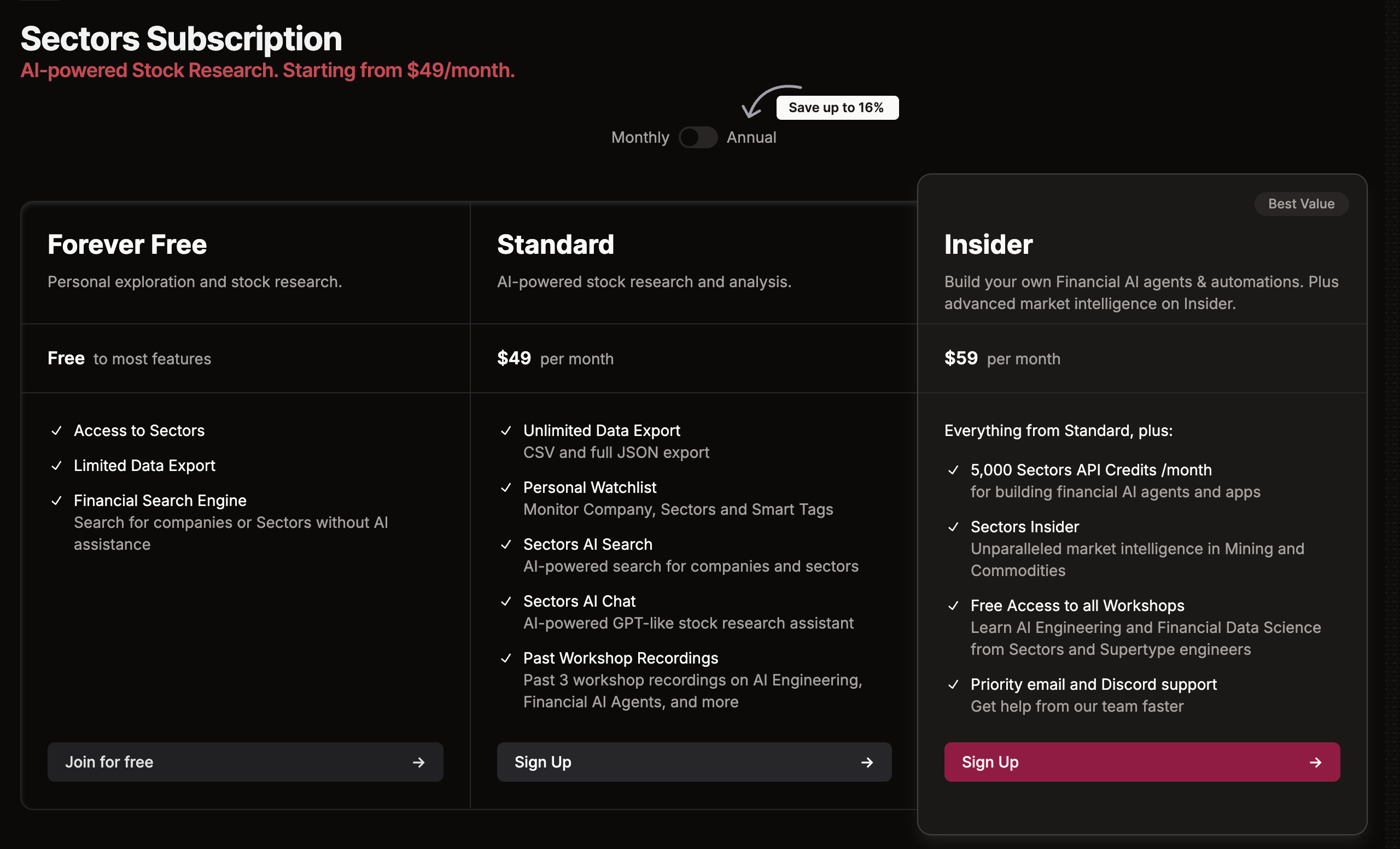
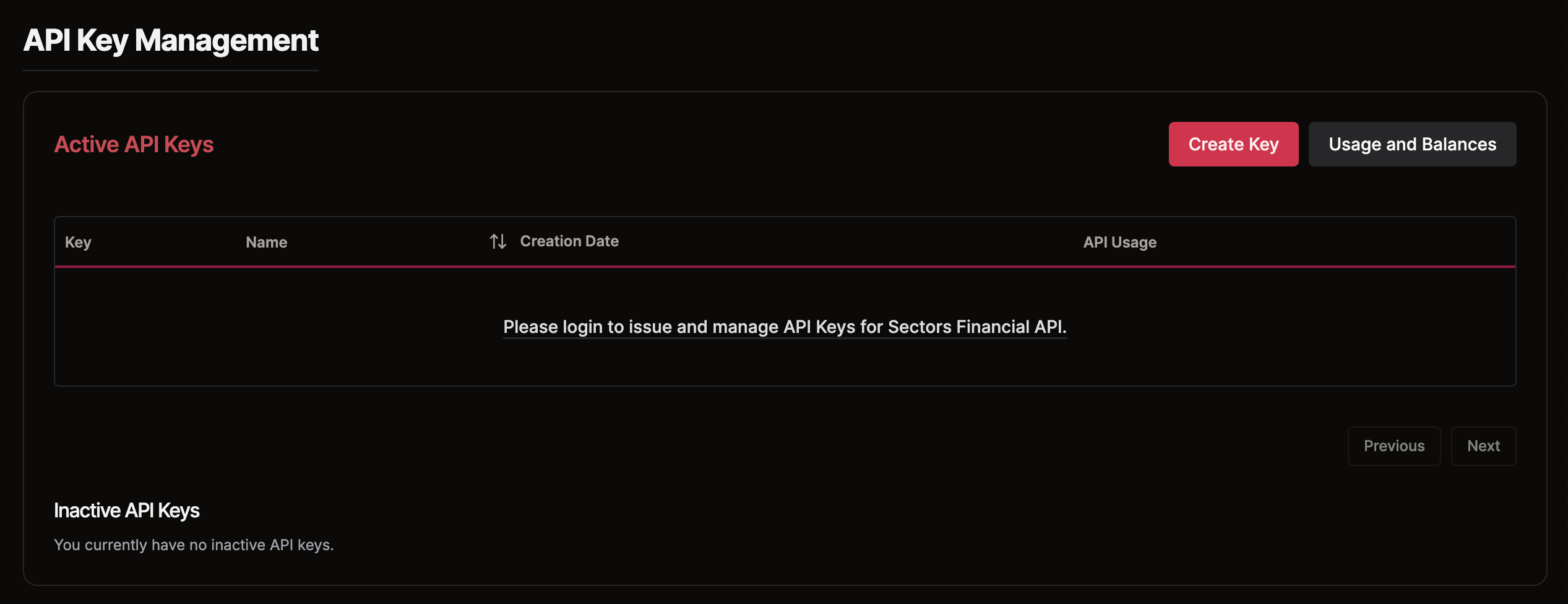
📊 Retrieve Data from the API
Use one of the documented API endpoints along with your Sectors Financial API Key to access data from Sectors.
Explore the API References to discover the available endpoints and sample responses.