This documentation covers Sectors API v1.If you are currently using Sectors API v2, see the documentation here.
Sectors Financial Data API

Overview

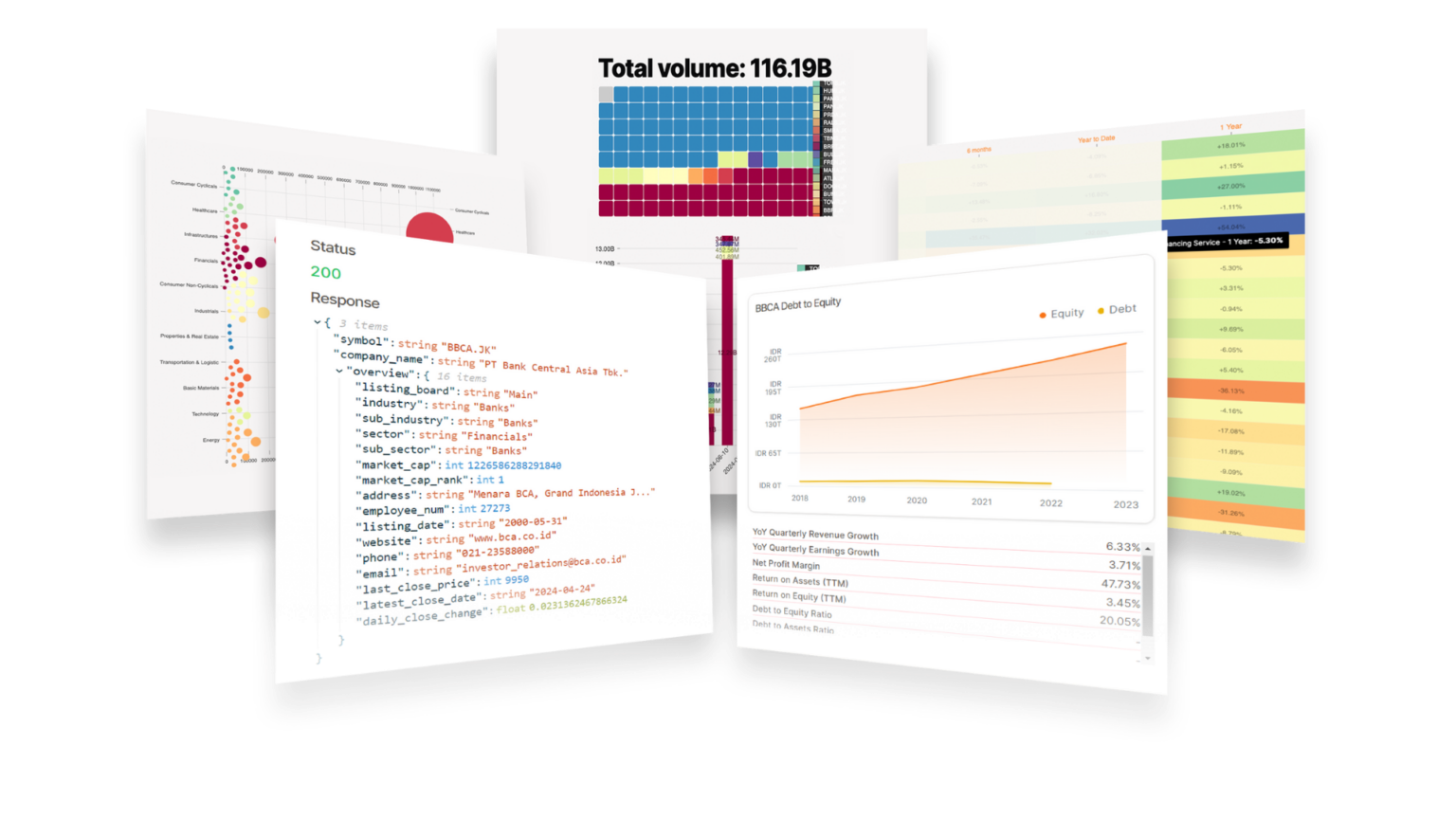
Sectors has been used as an equity research tool by Indonesia’s top financial institutions, and has also been used as a data source for academic research. The depth of our data puts it head and shoulders above any comparable market intelligence tool, and is readily available through a simple developer experience with Sectors Financial API. Beginners can start with the Get your API Key guide, while more experienced developers can dive into our API Reference for a comprehensive list of endpoints and examples. For practical, end-to-end use cases, explore our Recipes, which showcase real-world examples of how to use the API. If you’re interested in advanced applications, the Generative AI Series demonstrates how the API can be integrated into generative AI workflows. You can also join our Community on Discord to ask questions, share ideas, and get help from other developers.

Get Started

Tutorial Series

Ongoing (Q4 '24): 5-part Generative AI Series
Create RAG systems and AI agents with Sectors Financial API, LangChain and state-of-the-art LLM models -- capable of producing fact-based financial analysis and financial-specific reasoning. Continually updated to keep up with the latest major versions of the tools and libraries used in the series.

Generative AI Series: Table of Contents

Table of Content

1

Generative AI for Finance

An overview of designing Generative AI systems for the finance industry and the motivation for retrieval-augmented generation (RAG) systems.
2

Tool-Use Retrieval Augmented Generation (RAG)

3

Structured Output from AIs

From using Generative AI to extract from unstructured data or perform actions like database queries, API calls, JSON parsing and more, we need schema and structure in the AI's output.
4

Tool-use ReAct Agents w/ Streaming

Updated for LangChain v0.3.2, we explore streaming, LCEL expressions and ReAct agents following the most up-to-date practices for creating conversational AI agents.
5

Conversational Memory AI Agents

Updated for LangChain v0.2.3, we dive into Creating AI Agents with Conversational Memory

Get your API Key

1

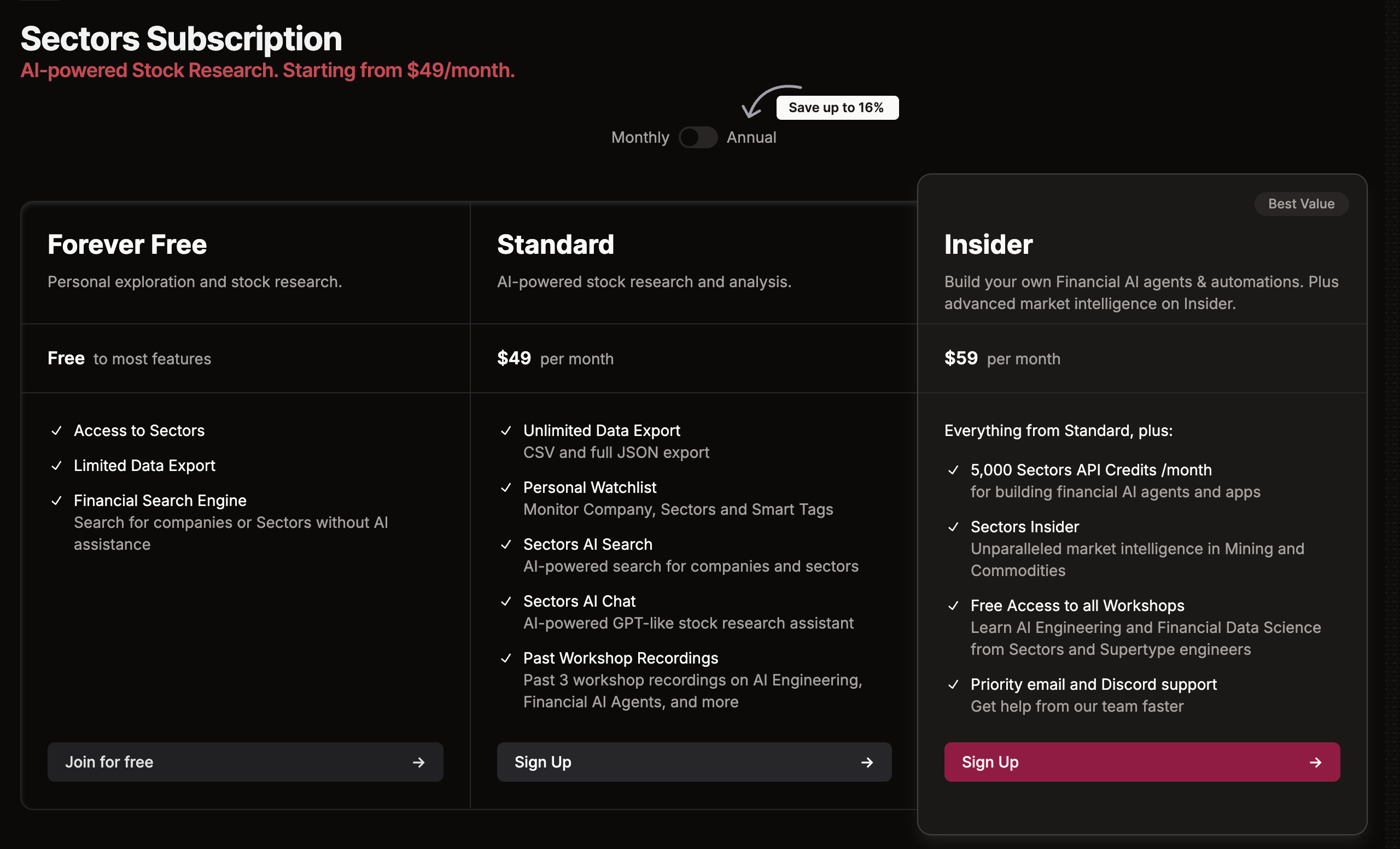
⏫ Upgrade to Sectors Insider

Through the Sectors Financial API, you are two lines of code away from Indonesia’s most comprehensive financial market data and stock research tools. Sectors Financial API is available to our Insider plan subscribers.
API Pricing
2

🗝️ Obtain Sectors Financial API Key

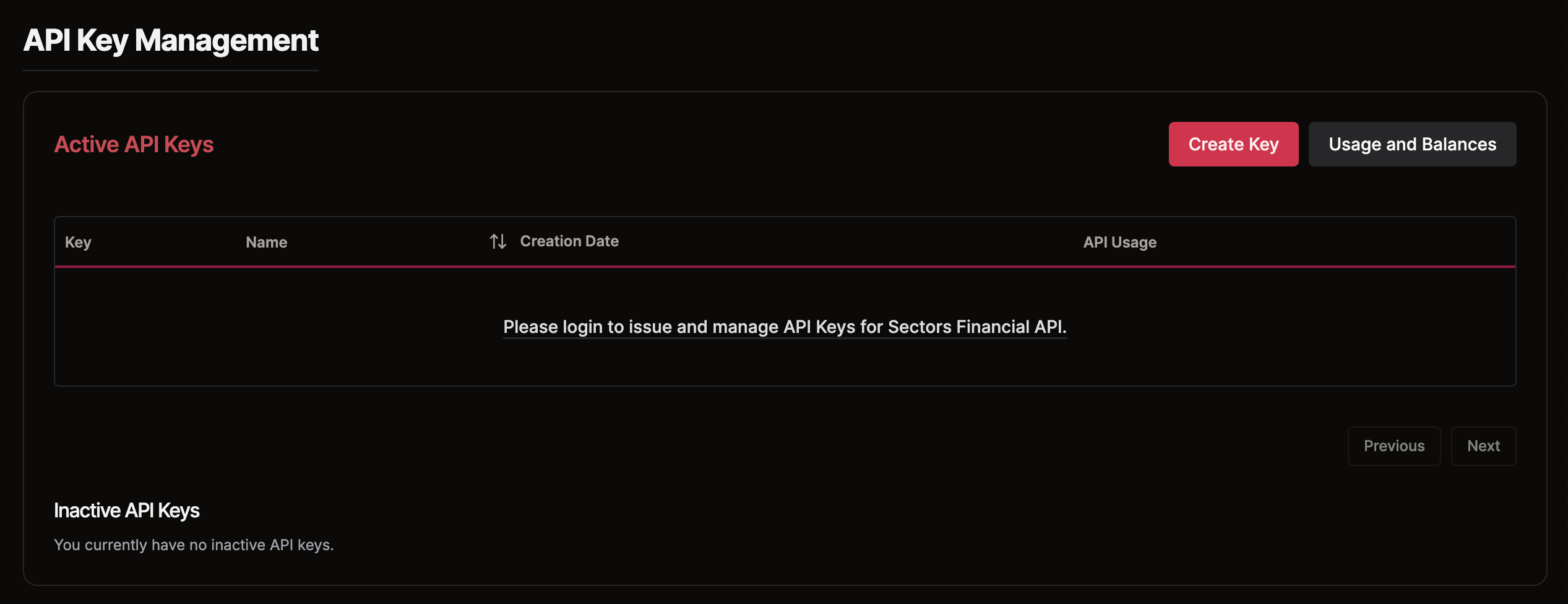
Once logged in with your Sectors account (Insider plan), navigate to the API Keys section in the API page to generate a new API key. Include this API key in the header of your requests to authenticate and access the API (code snippets provided in the next step).
API Keys
3

📊 Retrieve Data from the API

Use one of the documented API endpoints along with your Sectors Financial API Key to access data from Sectors. Explore the API References to discover the available endpoints and sample responses.
import requests

# Replace the URL with a URL from the API References
url = "https://api.sectors.app/v1/.../"
api_key = "API key acquired from the previous step"
headers = {"Authorization": api_key}

try:
    response = requests.get(url, headers=headers)
    response.raise_for_status()
    data = response.json()
except requests.exceptions.HTTPError as err:
    raise SystemExit(err)